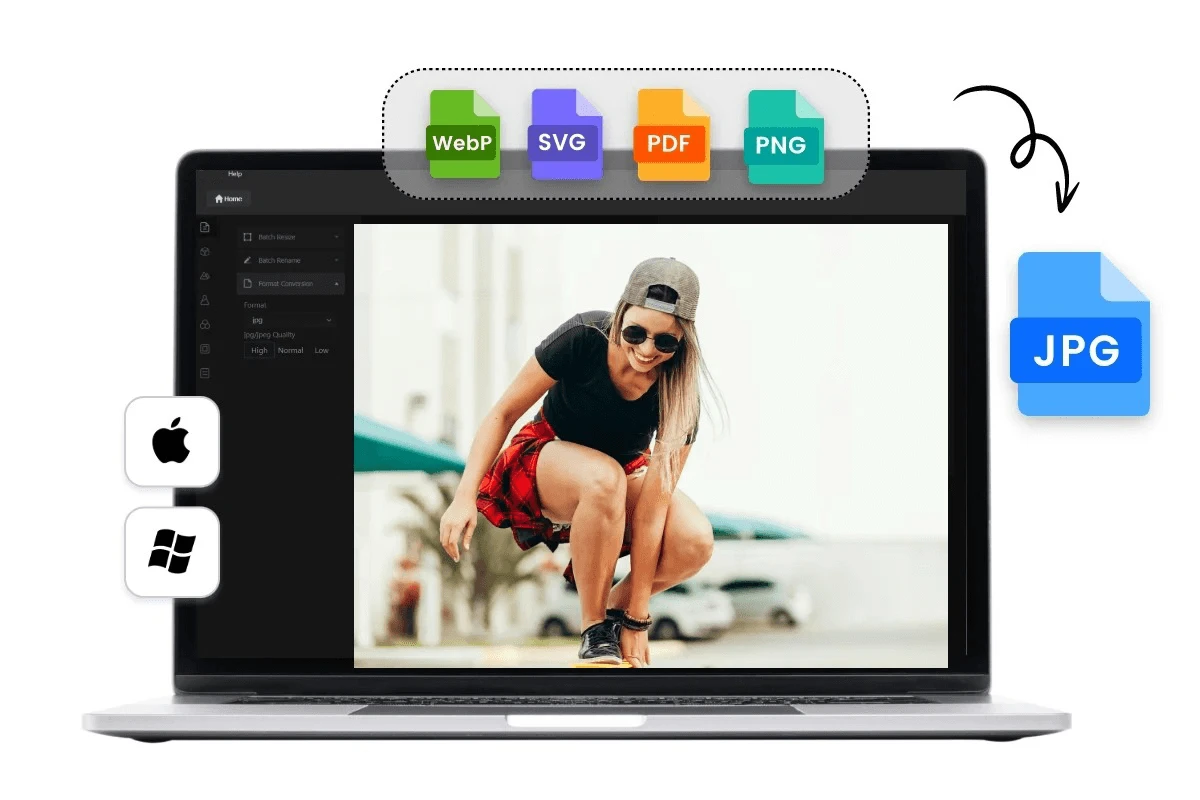
If you are looking for free method to convert image to jpg online without loosing quality and that tool can work without signup then you are on right place . Below is simple online tool which you can use to convert your Images to jpg format easily . You can also turn your images to different other images formats like webp , png , pdf etc easily with this tool . and you can use this tool for free .
Can you convert Images to jpg without losing Quality
Yes you can convert your images to jpg without losing quality if you do it right way , Quality loss generally happens due to over compression of images , multiple compressions of same image . you can use website https://imagetopng.com to turn your images to jpg easily . You just need to open this website and on top you will see a place to upload your images and then you can select format as jpg , by default png will be selected . change it to jpg and then you can get output as jpg . If you want to turn these images to pdf , webp to other formats then you can do that also , by uploading images and changing required format and then click on download button .
How to convert images to Jpg without losing quality ( Step by Step )
1 ) First open website https://imagetopng.com
2 ) Then upload image that you want to convert .
3 ) From output format option , Select Jpg
4 ) Click download and image will get saved to your device
Optionally you can use resize scale slider , if you want lower sized jpg image output . By default it remain set to original size as output . You can also turn your image to text with help of ocr option . It will read your image and download txt format file of written what’s written in your image .
Benefit of converting Images to Jpg online
- Free to use
- No software required
- Works on Mobile and laptop
- Fast Conversion
- Secure
Online tools are useful if you don’t want to download softwares . If you face any problem you can comment below
Leave a Reply